How to print your MyHeritage family tree as a PDF or poster
MyHeritage's chart tool draws a fixed layout, and its printed posters have to be bought again every time a cousin is added. To print your MyHeritage family tree as a PDF or poster you control, export it as a GEDCOM file, draw it in Draw My Tree, and download a vector PDF that prints at any size. It takes about ten minutes.
What MyHeritage's own options give you
The Charts tool on MyHeritage renders your tree in one of its templates and lets you download a PDF or order a printed poster. With a bigger tree, the template decides the layout and what a card shows, and a new print means going back through the same ordering flow. Export a GEDCOM and print it as a file you control, and export again whenever the research changes.
Step 1: export a GEDCOM from MyHeritage
- Open the Family tree tab on MyHeritage.
- Choose Manage trees.
- Next to the tree you want, open the actions menu and choose Export to GEDCOM.
- MyHeritage prepares the file and emails you a download link. Download the
.gedfile.
The file carries names, dates, places, relationships and notes. It does not carry the photos attached to people on MyHeritage, and it does not carry Smart Matches or Record Matches; those stay in your MyHeritage account. What comes across, and what happens to the file when you upload it, is covered in Import a GEDCOM from Ancestry, MyHeritage or another app.
Step 2: import it and choose what to print
- Create a free account and create a tree.
- Click Import on the rail and drop the
.gedfile in. - The preview appears as soon as the file is read, with how many people, relationships, person details, events and media the import will add or update, plus any warnings for MyHeritage tags that have no home here.
- Click Apply import.
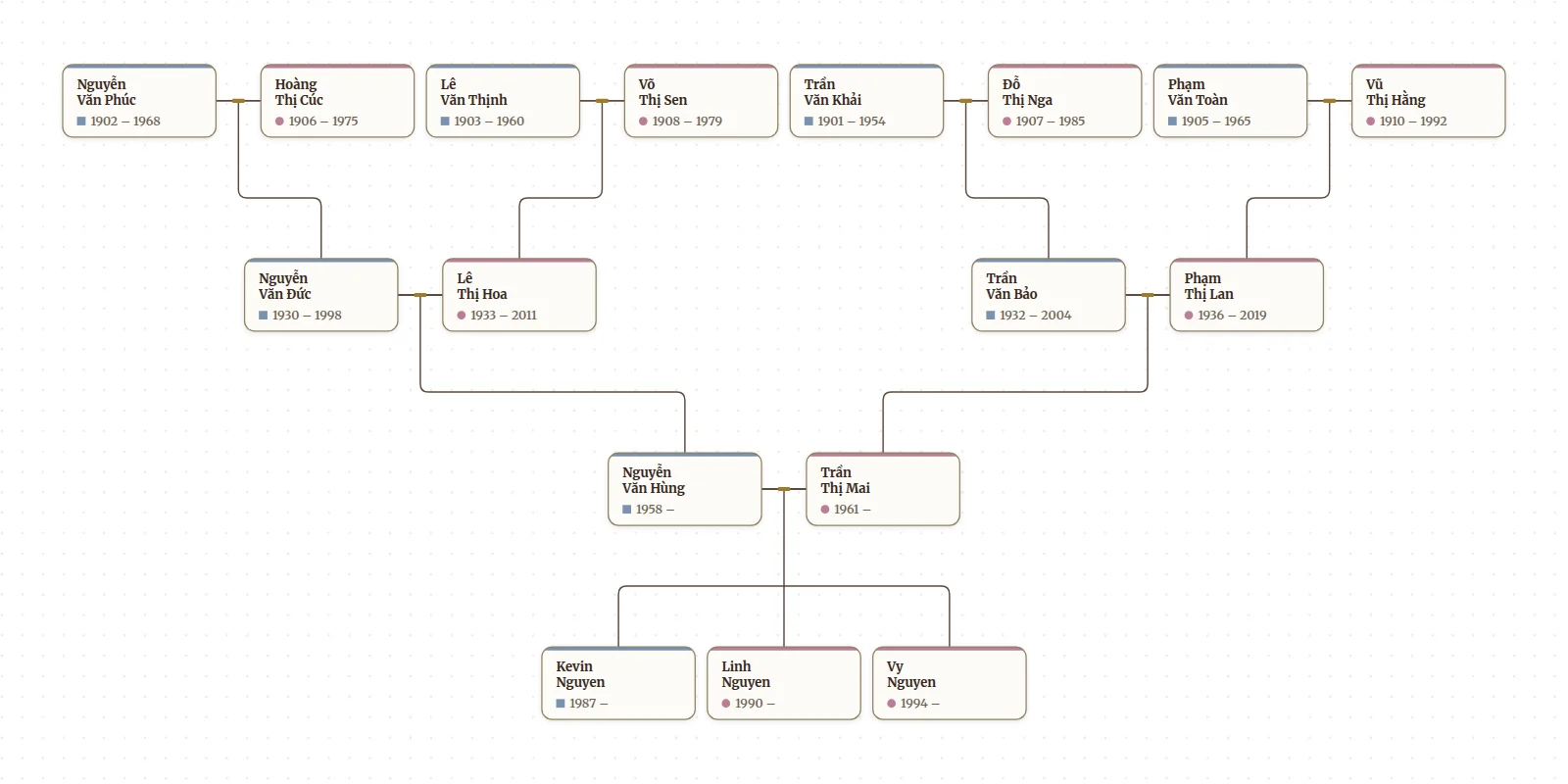
The tree is drawn with generations lined up and couples side by side. Then decide what the print shows:
- The whole tree. The default, and a vector PDF handles a large one.
- One line. Focus on one person's ancestors or descendants, or pick two people and show only the line between them. The export draws whatever the tree shows, so the focus carries into the print. (What's on screen under Content crops the print to the part of the canvas you have zoomed to.)
- A look. Card shape, typeface, colors, whether photos and dates show. The export can use any preset without changing the tree on screen.
Step 3: pick a size
The export is a vector PDF, so it has no fixed size; the same file prints sharp at any dimension, and the size is chosen at print time. Letter or A4 at home suits two or three generations. Tabloid or A3 fits four. For the full tree, take the PDF to a print shop or an online poster printer and ask for the width you want; 24, 36 and 48 inches are common. The sizing detail, the print-shop trade-offs, and how to get a big tree onto one sheet are in How to print your Ancestry family tree; it applies to a MyHeritage export too.
Frequently asked questions
Are photos included? Not from the GEDCOM; MyHeritage keeps them out of the file. Add portraits to people in Draw My Tree afterwards and they print on the cards. Every account gets one portrait per person, free; photo albums and documents come with the Family Plan.
What about the MyHeritage tree I keep researching in? Keep it. The GEDCOM is a copy, and MyHeritage is not changed by exporting. When the research moves on, export again and import with Fill in missing information to keep saved details, or Use information from file to replace them. Review how records match and check the preview, since different IDs can add a second copy of the same person. Then print again.
Are living relatives hidden? Not unless you choose to. Public share links hide living people automatically; a print shows everyone the tree draws. Turn on Leave out living people in the print's people step, or in the Export panel, to leave them off, and review the print before handing it out.
What does it cost? Importing and drawing the tree is free. A free account sees the print and downloads a watermarked picture of it at screen size. Printing at any paper or poster size, the print-ready PDF, SVG and full-resolution PNG come with a one-time Keepsake for that tree, or with the Family Plan for every tree; prices are on the pricing page. A guest tree exports a watermarked PNG for free if you only want to see the layout.
Start with your MyHeritage export.
What to read next
- How to print your Ancestry family tree: sizes, print shops and fitting a big tree on fewer pages.
- Import a GEDCOM: what carries over from the file.
- Print your family tree: the formats and settings in detail.
Last updated October 29, 2026 by Prescott Bros LLC, the makers of Draw My Tree.